For residency assessment
The feedback already happened.
The record didn’t.
Talk first. Forms second.
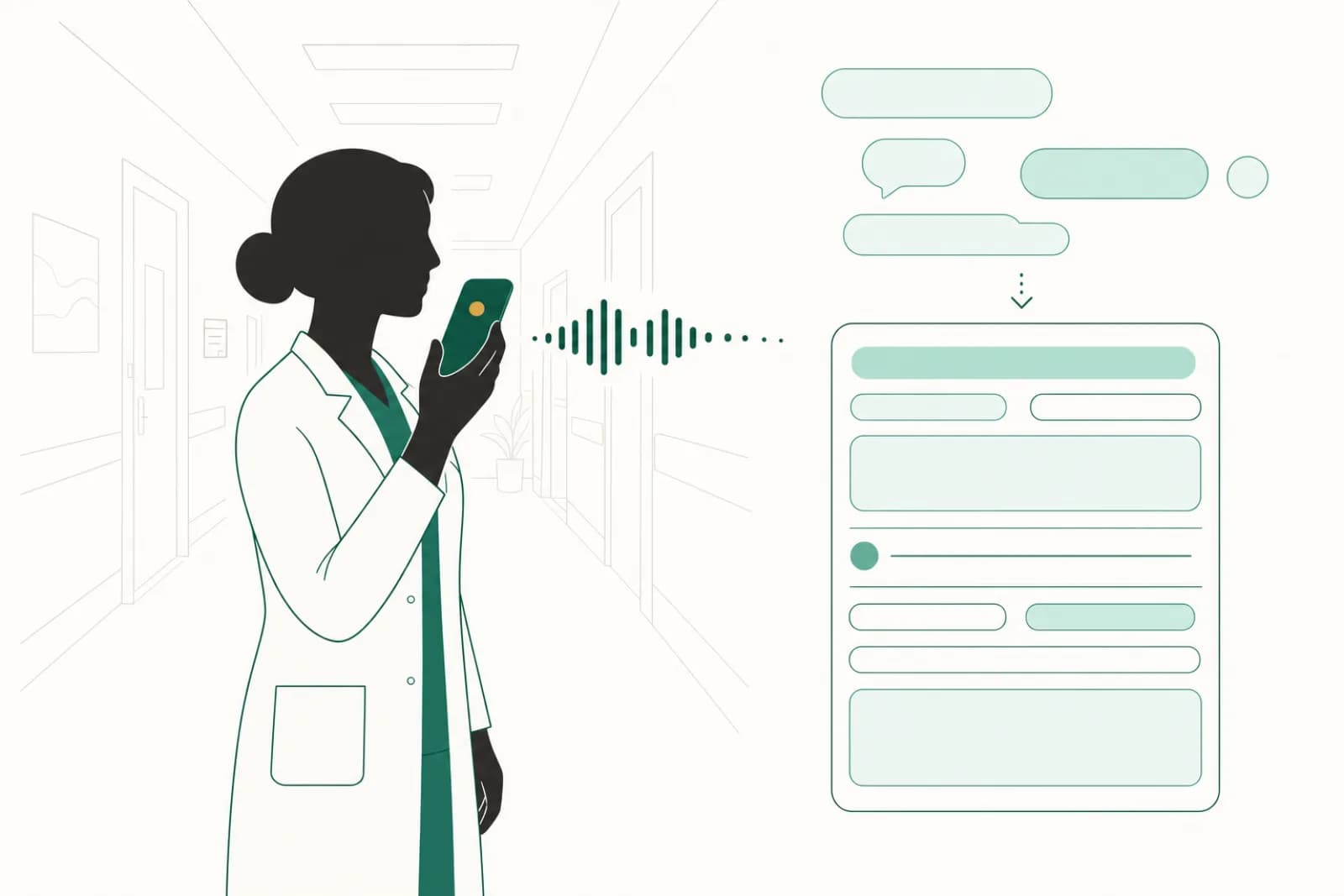
The preceptor speaks. The resident reviews. The form gets filled.
Built inside a Canadian residency program. Stored and processed in Canada. Reviewed by the resident before anything counts.
The problem
“My preceptor gave me the best feedback in person. None of it made it to the form.”
Nothing captures that conversation at the moment it occurs. Every remedy a program can reach asks somebody to reconstruct it later.
DebriefMD captures it while it is being said. You review and edit before any of it counts.
How it works
Three steps. A few minutes. No forms.
Record the feedback
Right after the encounter. No app to install, no signal needed.
We transcribe and de-identify
Patient identifiers are removed before anything is filled in.
Review the drafted note
You edit and sign off, then export to Excel or PDF.
Maps to CanMEDS roles, the Royal College’s Competence by Design (CBD), and the field notes Canadian Family Medicine programs use.
One debrief, many forms
One debrief. Every assessment it covers.
Pick the forms you’re working on, then talk normally. Each form is filled from what was said. A form the debrief didn’t cover comes back empty and marked, never guessed at.
Three Royal College EPAs as examples. The third was chosen but not discussed, so it is marked, not filled.
Features
Built for medical education.
Records with no signal
Basements and parkades do not stop a debrief. The recording is saved on your device and uploads the next time you open DebriefMD with a connection. Nothing is discarded until your assessment is ready.
CanMEDS mapping
Verbal feedback is drafted against CanMEDS roles and competency milestones, then reviewed by the resident.
English and French
Transcription in both official languages. Pick yours when you record.
Canadian data residency
Encrypted at rest and stored exclusively on Canadian infrastructure. Patient information never leaves Canada.
Flexible export
Export to Excel (.xlsx) or PDF, ready to file wherever your program keeps assessments.
Bring it to your programs.
We are taking on pilot programs now. Tell us what you run and what you would want a pilot to answer, and we will tell you honestly whether this fits.
Not running a program? Try the demo, no sign-up →